The cheapest advertised seat price is rarely the cheapest workable option. Compare each shortlisted suite on the same first-year and renewal-year basis, then test whether its storage, support and included tools meet the needs you actually have.
What Counts as the Real Price of a Productivity Suite?
A productivity-suite quote should start with more than the published per-user monthly figure. For a UK small business, the real price is the amount required to give every active user the email, files, collaboration tools, administration and support the business expects over a defined period.
Begin by recording the billing cadence, number of paid users, storage included per user or team, and any services that are necessary to make the suite usable. Then separate recurring charges from one-off work such as mailbox migration, configuration and staff onboarding. This prevents a low monthly rate from masking a higher first-year implementation bill.
Feature bundles matter too, but only when they replace a cost you already carry. Proton Business, for example, describes its Workspace plans as combining email, cloud storage, document and spreadsheet editing, meetings, VPN and password-management capabilities; its plan comparison also differentiates storage and retention features by tier. Proton Business plans
Treat the comparison as two questions: what does it cost to get running this year, and what will the same required service cost at renewal? The best value is the option that meets documented requirements at both points—not simply the one with the smallest headline number.
Compare Billing, Renewals, and Contract Commitments
Normalise every offer to an annual total before comparing it. Multiply the quoted seat price by the required number of active users and by the relevant billing period, then keep monthly and annual offers in separate columns. An annual commitment may lower the effective seat price, but it also reduces flexibility if staffing or requirements change.
Record the renewal date, notice period, cancellation rules, taxes and any conditions tied to an introductory price. Ask whether the supplier can change the price at renewal, whether the new price is already stated, and whether services or storage can be reduced mid-term. These points determine the cost exposure after the first invoice.
Do not assume every workplace product follows a subscription model. ONLYOFFICE’s official Workspace Enterprise page describes on-premises lifetime licences priced per server, with one year of updates and support and different support response targets by edition. That is a different cost structure from a per-user cloud subscription: the initial licence, server environment, installation, updates and ongoing support must be considered together. ONLYOFFICE Workspace prices
For each candidate, write down the licence model, payment interval, commitment length, renewal trigger and the cost of any service that expires separately. This creates a fair comparison even when one supplier sells cloud seats and another offers a server-based licence.
Where Suite Plans Can Deliver Better Value
A broader suite can reduce total spend when included tools replace paid services the business would otherwise keep. A team already paying separately for business email, file storage, document editing, video meetings, VPN access or password management should identify which of those subscriptions could genuinely be retired.
Avoid counting a feature as a saving merely because it is included. Check whether the team will use it, whether it meets security and administrative requirements, and whether moving to it creates migration, training or integration work. A bundled tool that is not adopted is not a cost reduction.
The value of a tier also depends on capacity. Proton lists 1 TB of storage per user on Workspace Standard and 3 TB per user on Workspace Premium, alongside differences in meeting capacity, domains and retention policies. Proton Business plans Zoho’s Workplace comparison similarly distinguishes mail storage, retention storage and WorkDrive team storage across plan families. Zoho Workplace plan comparison
Use the bundle test: list the current tool, its annual cost, the included replacement feature, and a yes-or-no decision on whether it can be switched off. Only approved replacements should reduce the suite’s calculated annual cost.
Pricing Blind Spots: Storage, Seats, and Add-Ons
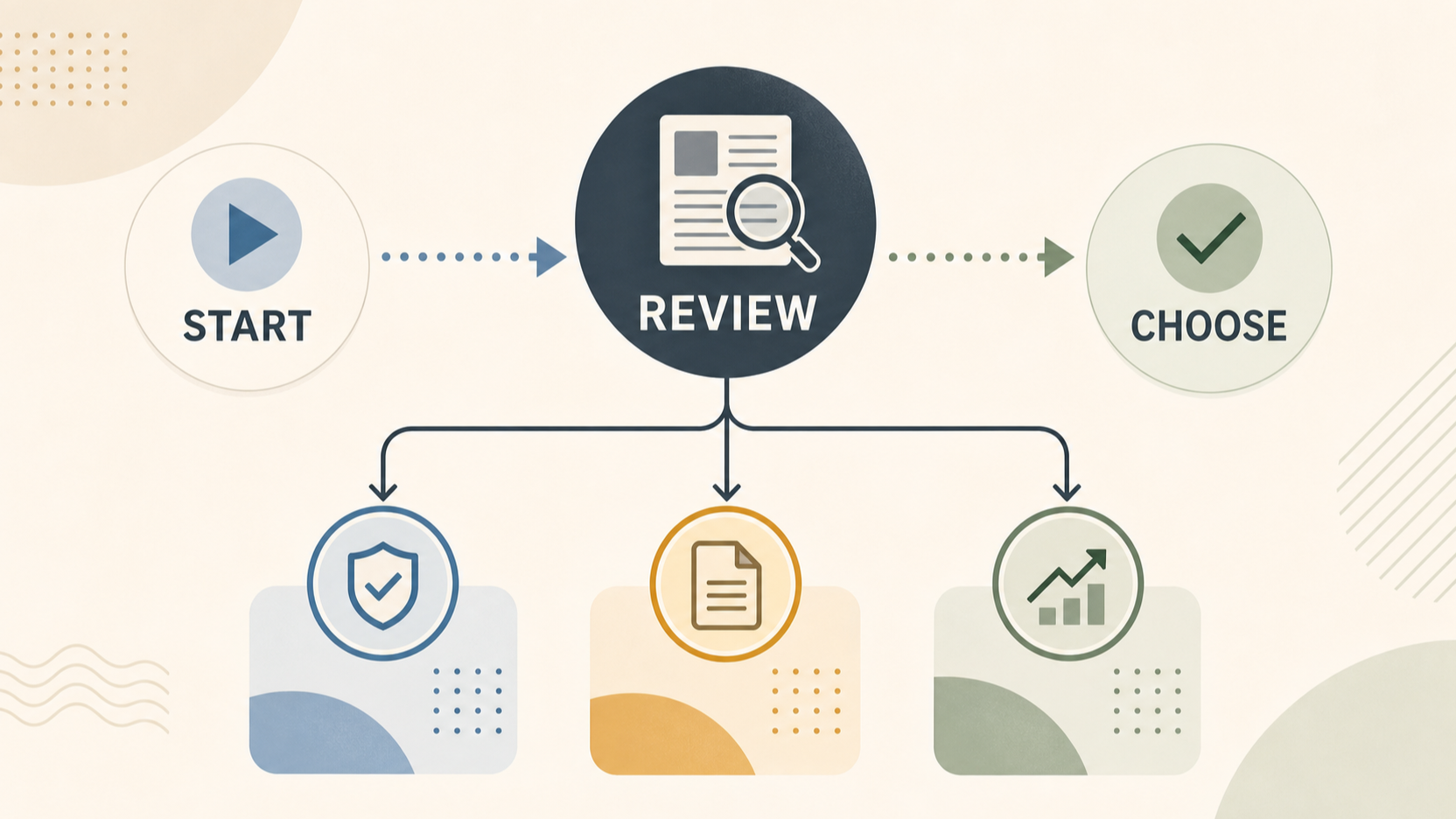
AI-generated generic editorial illustration — not a retailer product photo and does not depict the reviewed product or service. Provide a neutral visual comparison that supports the reader's decision without depicting a real product.
 Storage deserves a separate check because “included storage” can mean different things. Zoho’s official comparison lists Mail Lite, Mail Premium, Workplace Standard and Workplace Professional with different mail-storage, retention-storage and WorkDrive team-storage allowances. Zoho Workplace plan comparison A plan that meets mailbox needs may still leave a growing team short of shared-file capacity, or may require a higher tier to obtain the retention capacity the business needs.
Check the unit of each allowance. Is capacity assigned to an individual mailbox, pooled across a team, or intended for retained mail? Document the current amount of data, forecast growth, archive needs and the number of staff who need access. Include any required capacity upgrade in the model instead of assuming that the entry tier will remain adequate.
Seat rules and service levels can also change the result. Confirm the minimum purchase, how contractors and shared mailboxes are licensed, and whether temporary users still require a paid seat. Zoho states that its listed Workplace plans include 24x7 support and a migration tool, while ONLYOFFICE distinguishes Basic, Plus and Premium support response times and includes installation, configuration, migration and consulting among the services shown for its Enterprise editions. Zoho Workplace plan comparison ONLYOFFICE Workspace prices
Finally, price the operational requirements around the product: migration, implementation support, specialist infrastructure for an on-premises deployment, training, backup or retention needs, and any optional services requested by compliance or IT. Mark each as included, optional or mandatory for your organisation.
Build a Like-for-Like Annual Cost Comparison
Create one worksheet for each shortlisted option and use the same assumptions throughout. Start with active paid users, not the entire payroll. Add the annual subscription or licence charge, then add only the storage tier, support level and optional services needed to meet the documented requirements.
A useful first-year calculation is:
first-year total = recurring seats or licence + required add-ons + migration/setup + infrastructure + non-retired tool costs
Then calculate the renewal year separately:
renewal-year total = recurring seats or licence at renewal terms + required add-ons + ongoing infrastructure + non-retired tool costs
Keep migration and setup as one-off lines. For a server-based option, keep licence, update/support coverage and infrastructure in distinct lines so that a lifetime licence is not incorrectly treated as maintenance-free. ONLYOFFICE’s published Enterprise editions pair a lifetime licence with one year of updates and support, making this distinction particularly important. ONLYOFFICE Workspace prices
Run at least three scenarios: current headcount, expected headcount at the next renewal, and a higher-storage case. For each scenario, retain the source page or written quote, billing date, tax treatment and assumptions. This makes changes visible: a plan may be economical today but require a tier change once storage, retention or user count grows.
Use the planned annual-cost worksheet visual in this section to capture seats, storage, migration, support and renewal assumptions consistently across all options. Do not use it to imply a price or saving that has not been quoted.
Choose a Plan and Negotiate Before Checkout
Select the plan that satisfies the required use case under the most likely renewal scenario. Before checkout or signature, ask the supplier to confirm the exact plan name, billing cadence, renewal date, price-change mechanism, cancellation and downgrade terms, seat rules, storage allocation and support entitlement.
Ask implementation questions early. Confirm what will be migrated, who performs the work, what downtime or coexistence period is expected, what support is included, and whether extra services are quoted separately. Zoho’s plan comparison states that its migration tool can migrate email from local servers, other services or locally stored email files; the scope and responsibility for the actual project should still be agreed for your organisation. Zoho Workplace plan comparison
Request a custom quote when the published plan does not map cleanly to your user count, storage needs, security requirements, implementation scope or contract timing. Compare the written quote against the worksheet rather than replacing the worksheet with a headline discount. A negotiated lower seat rate does not compensate for an omitted mandatory service.
Keep the final comparison, supplier documents and renewal reminder together. The aim is a purchasing decision that remains understandable when the contract comes up for review.
Frequently Asked Questions
Is annual billing always cheaper for a small business?
Not necessarily. It can reduce the effective seat price, but it also commits the business for longer. Compare the annual total with the cost of flexibility, expected staffing changes and the renewal terms before deciding.
How much storage should a small team budget for?
Budget from measured current usage, expected growth, retained mail and shared-file needs. Check whether the allowance is per user, team-wide or specifically for retention; Zoho’s published comparison shows these can be separate allowances. Zoho Workplace plan comparison
Should migration and support be treated as add-on costs?
Yes, unless the supplier confirms that the required scope is included. Separate one-off migration and setup from recurring support, then note the support level and response commitment that the business requires.
When is it worth asking for a custom productivity-suite quote?
Ask when published tiers do not fit your seat count, capacity, security, deployment or implementation needs. Use the same first-year and renewal-year worksheet to compare the quote with standard plans.
Related reading
- ONLYOFFICE Workspace review for UK small businesses: control, collaboration, and trade-offs
- How to choose a business productivity suite for a UK small business
- Business productivity suite checklist: collaboration, administration, security, and support
- Annual vs monthly productivity suite plans: when a longer commitment can make sense
Editorial information: About our editorial team · Read our editorial policy · Read our affiliate disclosure.