For a small business, choosing productivity software is rarely just a question of which document editor to use. Email, shared files, customer follow-up, project tasks and calendars all create day-to-day administrative work. ONLYOFFICE Workspace is presented as a bundle intended to bring several of those activities together in one web-based environment.
This guide looks at the documented Workspace offering for UK small businesses that want more control over collaboration and administration. It is not a hands-on test or an independent security assessment. The most useful question is whether its modules, deployment model and vendor-led commercial arrangement match the way your team already works.
ONLYOFFICE Workspace at a Glance
AI-generated generic editorial illustration — not a retailer product photo and does not depict the reviewed product or service. Provide a neutral visual comparison that supports the reader's decision without depicting a real product.
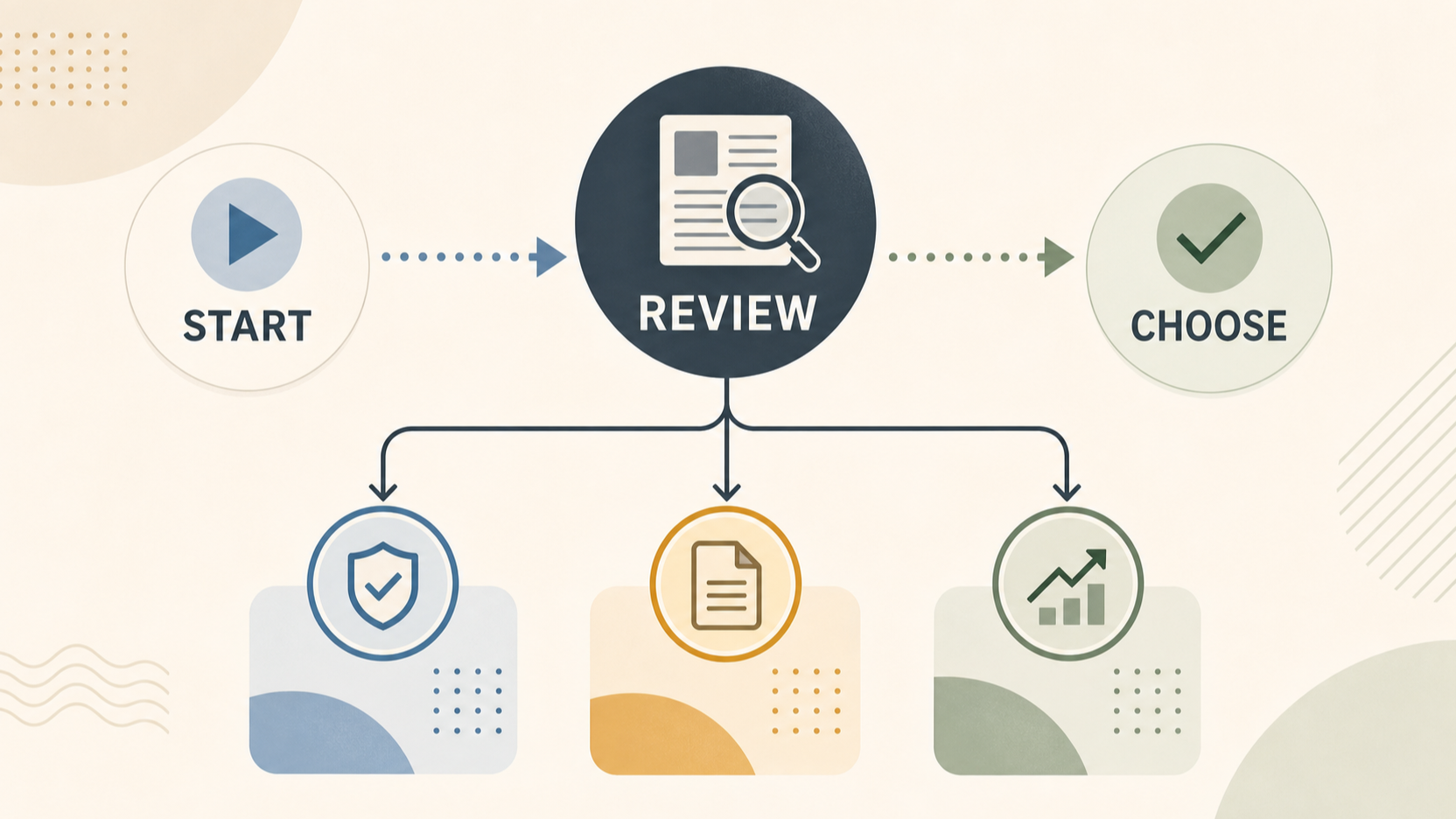 ONLYOFFICE Workspace is described by ONLYOFFICE as a bundle of web apps for team management and online collaboration. Its stated module set includes Documents, Mails, CRM, Projects and Calendar. That makes it relevant to businesses that would prefer to assess a connected workplace suite rather than assemble separate tools for each administrative task.
The appeal of this model is consolidation. Documents can sit alongside mail, project planning and calendar activity; the CRM is also described as integrating with several of those modules. For a small operations team, that can be a sensible starting point when duplicated data, frequent switching between applications or fragmented access controls have become a problem.
That does not automatically make an integrated suite the right answer for every business. A useful review should separate what the product documentation says it can cover from questions that depend on your own processes, IT capacity and commercial requirements. For example, a team that mainly needs shared files may value a different balance of features than one that needs corporate email, lead tracking and project reporting in the same environment.
The practical first step is to map the bundle against the systems your business uses today. If several of its documented modules replace or complement recurring workflows, ONLYOFFICE Workspace may be worth adding to a shortlist. If only one module is relevant, compare that need with more focused alternatives before committing to a broader platform.
What the Workspace Bundle Covers
The Documents module is positioned as a place to store and organise business documentation, share files and manage user and group access permissions. ONLYOFFICE says users can edit and collaborate on text documents, spreadsheets, presentations, PDF files and fillable forms. It also lists MS Office format compatibility, a multi-format media player, ready-to-fill online forms and Private Rooms.
Mails is intended for mailbox management. The official description says businesses can create corporate mailboxes on their own domain or use a default domain, connect multiple email accounts, tag messages, create signatures and use a template constructor. It lists support for POP3, SMTP and IMAP, as well as an unlimited number of mailboxes and mail groups.
The CRM module covers the path from lead generation to order fulfilment, according to ONLYOFFICE. Listed features include a Web-to-Lead form, reports, team-progress monitoring and Twilio calling. The product page also describes close integration between CRM, Mail, Projects and Calendar. That may be relevant where enquiries, follow-ups and delivery tasks are currently passed between separate systems.
Projects focuses on creating projects, prioritising tasks, setting deadlines, tracking time and generating productivity reports. Its listed tools include a Gantt chart, private projects and access-rights management, with integration to Documents, Calendar and CRM. Calendar adds personal or team timetables, event types, reminders, sharing and third-party synchronisation.
Together, these documented capabilities form a broad administrative range. The important evaluation task is not to assume every module will be used, but to identify the workflows that would genuinely benefit from being connected.
Control and Collaboration Features
For businesses handling shared operational files, the document collaboration model is likely to deserve close attention. ONLYOFFICE says Workspace lets users share documents and manage access permissions for users and groups. The Projects module also lists private projects and access-rights management, which may matter when teams need to limit visibility around particular clients, workstreams or internal documents.
The Documents description includes collaborative editing across text documents, spreadsheets, presentations, PDF files and fillable forms. It also states that the product has high compatibility with MS Office formats. These are useful considerations for teams that exchange Office files with customers, suppliers or accountants, although a business should still test the specific file types and workflows it relies on.
ONLYOFFICE also lists ready-to-fill online document forms. That could be relevant to repeatable internal processes such as gathering standard information or preparing operational paperwork. Whether it reduces manual work in practice will depend on the forms your business needs and how they connect to the rest of your process.
Private Rooms are listed as part of the cited on-premises Enterprise Workspace offers. Teams with regulated, contractual or high-risk requirements should obtain the details they need directly from ONLYOFFICE and assess them against their own policies.
On Premises Licensing and Support Considerations
The cited Enterprise Workspace offers are described as on-premises options available on Windows Server or Linux. They are priced on request, per server, and presented as lifetime licences. The page lists 50 users for the shown Enterprise, Enterprise Plus and Enterprise Premium offers. UK buyers therefore need a vendor quote rather than relying on a public price for budget approval.
Each cited offer includes ONLYOFFICE Docs with mobile web editors, Private Rooms, priority access to security and stability fixes, and one year of updates and support. The listed modules and tools include Docs, Groups, Mail, Talk and Cases. The product information also lists standard installation, primary configuration, migration, update installation, consulting and ONLYOFFICE Groups branding.
Support differs by tier in the supplied information. Enterprise lists Basic support with a first response time of 48 during working hours; Enterprise Plus lists Plus support with a 24-hour first response time; and Enterprise Premium lists Premium support with a 12-hour first response time. The Premium listing also includes a monitoring system and clustering, marked with an asterisk on the source page.
These details are best treated as a discussion framework for a vendor conversation. Ask what the quoted server arrangement covers, how the user figure applies to your organisation, which implementation services are included, and how support hours and response commitments work for a UK-based team. The supplied material does not establish a total implementation cost, a UK-specific price or the effort required to operate the platform.
Trade Offs and Questions to Verify
An integrated suite can reduce the number of separate applications a team manages, but it also asks a business to evaluate more than one workflow at once. Documents, mail, CRM, projects and calendars may be connected in the product, yet your business still needs to decide which modules should become part of its operating routine and which existing tools, if any, would remain.
The on-premises Enterprise framing creates another set of questions. Windows Server and Linux availability, per-server quotation and support tiers are documented, but the supplied evidence does not show the implementation effort, internal skills, hosting design, ongoing administration burden or performance a particular business should expect. Those factors can be decisive for a smaller team.
Commercial details also need direct confirmation. The sources do not establish UK-specific pricing, tax treatment, currency, contract terms, renewal implications for updates and support, or the cost of optional services. Similarly, they do not provide an independent security assessment or prove suitability for a particular regulatory environment.
Before comparing Workspace with alternatives, ask for a scoped quote, clarify the support tier, confirm the deployment responsibilities and test the workflows that matter most. This evidence-led approach avoids treating a broad product description as a guarantee of fit.
Who Should Shortlist ONLYOFFICE Workspace
ONLYOFFICE Workspace may be worth shortlisting for a UK small business that wants to evaluate a documented combination of document collaboration, corporate mail, CRM, project management and calendar tools. It may be especially relevant where the same operations team needs to consider shared files, access permissions, lead handling, deadlines and schedules as connected activities.
It is also a candidate for teams prepared to investigate an on-premises deployment. The cited Enterprise offers are available on Windows Server or Linux, use a per-server quote and include different support tiers. A buyer should be ready to discuss infrastructure ownership, setup, migration, updates and support expectations before treating this as a practical replacement for existing systems.
A straightforward shortlist process is:
- List the workflows you want to centralise, such as shared documents, corporate mailboxes, customer enquiries, task tracking or team calendars.
- Match those needs to the documented modules rather than assuming the entire suite is necessary.
- Request a quote and confirm the licensing, user, server and support terms that apply to your situation.
- Verify implementation responsibilities and run a focused assessment of your real files, permissions and operating processes.
Next step: request a tailored ONLYOFFICE Workspace quote and use the vendor conversation to validate the deployment and support assumptions that matter to your team.
Frequently Asked Questions
What business applications are included in ONLYOFFICE Workspace?
ONLYOFFICE describes Workspace as a bundle containing Documents, Mails, CRM, Projects and Calendar. The product page presents these modules as tools for business documentation, mailbox management, customer workflow, project planning and scheduling.
Does ONLYOFFICE Workspace support corporate email and multiple mailboxes?
According to the supplied ONLYOFFICE product information, Mails can create corporate mailboxes on a business domain or use a default domain. It can connect multiple email accounts and supports POP3, SMTP and IMAP. The page also lists an unlimited number of mailboxes and mail groups.
What does the cited Enterprise on-premises Workspace offering include?
The cited Enterprise plans list an on-premises lifetime licence available on Windows Server or Linux, with 50 users shown on the pricing page. They include ONLYOFFICE Docs with mobile web editors, Private Rooms, priority access to security and stability fixes, and one year of updates and support. Listed service areas include installation, configuration, migration, update installation and consulting, with support response times varying by tier.
How can a UK business obtain pricing for ONLYOFFICE Workspace Enterprise?
The supplied pricing page describes the Enterprise offers as available upon request, per server, and includes a “Get a quote” route. A UK business should request a vendor quote and confirm the commercial, deployment, support and implementation details that apply to its requirements.
Sources
Related reading
- Best business productivity suites for UK small businesses: evidence-led choices by working style
- Proton Workspace review for UK small businesses: privacy-first fit and limitations
- How to choose a business productivity suite for a UK small business
- How to compare productivity suite pricing without overlooking renewals, storage, and add-ons
Editorial information: About our editorial team · Read our editorial policy · Read our affiliate disclosure.