Proton Workspace review: the UK small-business overview
Proton Workspace is a business productivity suite aimed at teams that want email, files, meetings and everyday administration in one privacy-led environment. Proton presents it as an alternative to Google Workspace and Microsoft 365, with encrypted collaboration positioned as a central part of the offer rather than an optional add-on.
For a UK small business, that makes it relevant when secure communications and tighter control over business data are major buying criteria. The suite combines business email and calendar with cloud storage, document collaboration, video meetings, a VPN, a password manager and Lumo, Proton’s privacy-first AI assistant.
That scope does not automatically make it the right replacement for an established stack. The practical question is whether its security model and bundled tools suit how your team already works: how you share files, manage credentials, run meetings, use domains and move existing mail. Treat this review as a shortlisting guide, then validate the operational details before committing to a switch.
What Proton Workspace includes
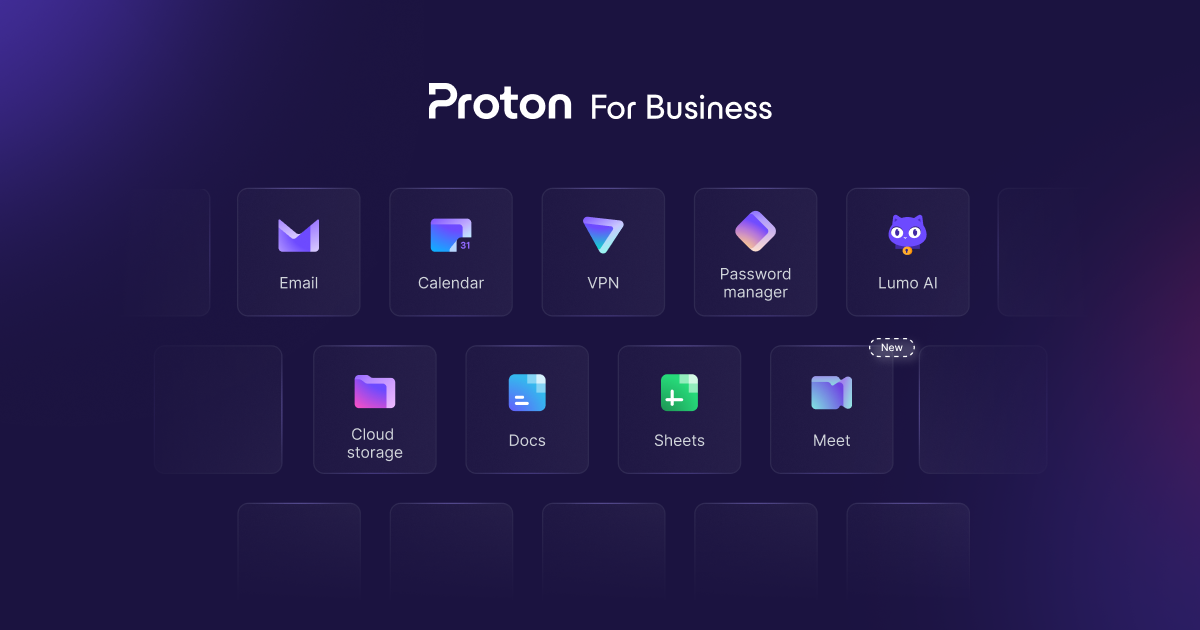 Proton Workspace brings together several business products under one subscription. Proton says the suite is designed to protect company data from breaches, AI training and surveillance through end-to-end encryption, and notes that it is based in Switzerland.
The core communications layer is Proton Mail and Calendar for business email, calendars and appointment scheduling. For shared work, Proton Drive provides storage and file sharing, while Docs and Sheets support real-time collaboration on documents and spreadsheets. Meet covers encrypted video conferencing for internal discussions and customer calls.
The wider bundle matters if a small team currently buys several separate services. Proton VPN is intended to help protect internal networks and resources; Proton Pass provides password management and team vaults; and Lumo is included as a privacy-first AI assistant on relevant plans. The attraction is not simply a longer feature list. It is the option to keep several commonly used business functions within a single privacy-first ecosystem.
Before viewing that as simplification, map each component against your current tools. A team that relies heavily on a particular document workflow, meeting integration or AI process should check whether Proton’s equivalent is sufficient for day-to-day use.
Where Proton Workspace can be a strong fit
The strongest reason to shortlist Proton Workspace is its privacy-led design. Proton states that Workspace uses end-to-end encryption by default and that only the organisation and trusted people can access its data. For businesses handling commercially sensitive correspondence, client records or shared credentials, that positioning can be a meaningful procurement criterion.
The suite can also reduce fragmentation. Secure email and calendar, file collaboration, meetings, VPN access and password management are all available through Proton’s business offering. That may be appealing to a small operations team that wants fewer vendors and a clearer account-administration model, particularly where security controls are otherwise spread across separate subscriptions.
Proton’s public business information also frames the service around protection from AI training and surveillance. This is best treated as a data-handling consideration, not a promise that the tools will improve productivity or remove every security risk. Encryption, user permissions, device security and sensible internal processes still matter.
For teams that value an all-in-one privacy-first approach, the combination of Mail, Drive, Docs, Sheets, Meet, VPN, Pass and Lumo is substantial enough to justify a structured evaluation. Start with the workflows that are hardest to change—mail, shared files, domain administration and credentials—then assess the remaining services around them.
Limitations and checks before switching
A plan page can describe what is included, but it cannot determine whether a migration will work smoothly for your organisation. Proton’s published plans vary by storage, the number of supported custom email domains, meeting capacity and selected advanced features. Those differences should be checked against the size and operating model of your team rather than chosen on feature quantity alone.
Migration is a central practical issue. Proton describes admin-led migration from Google Workspace through Easy Switch for mail, calendars and contacts, plus options for teams moving from other providers. That is useful starting information, but a business should still test its own mailbox structure, aliases, shared calendars, retained records and user onboarding requirements.
Compatibility needs the same care. Review how existing clients, document formats, meeting participants, authentication practices and third-party integrations fit your daily work. If your company depends on a specific Microsoft 365 or Google Workspace feature, confirm that a Proton workflow is acceptable before cancelling anything.
UK buyers should also confirm commercial details during checkout, including applicable taxes, billing cadence and the support route appropriate to their team. Proton advertises free trials for Workspace Standard and Premium, along with a 30-day money-back guarantee, but a trial does not remove the time and change-management risk of a full migration.
Choosing a Proton Workspace plan
AI-generated generic editorial illustration — not a retailer product photo and does not depict the reviewed product or service. Support a practical plan-shortlisting framework without implying unsupported value or pricing conclusions.
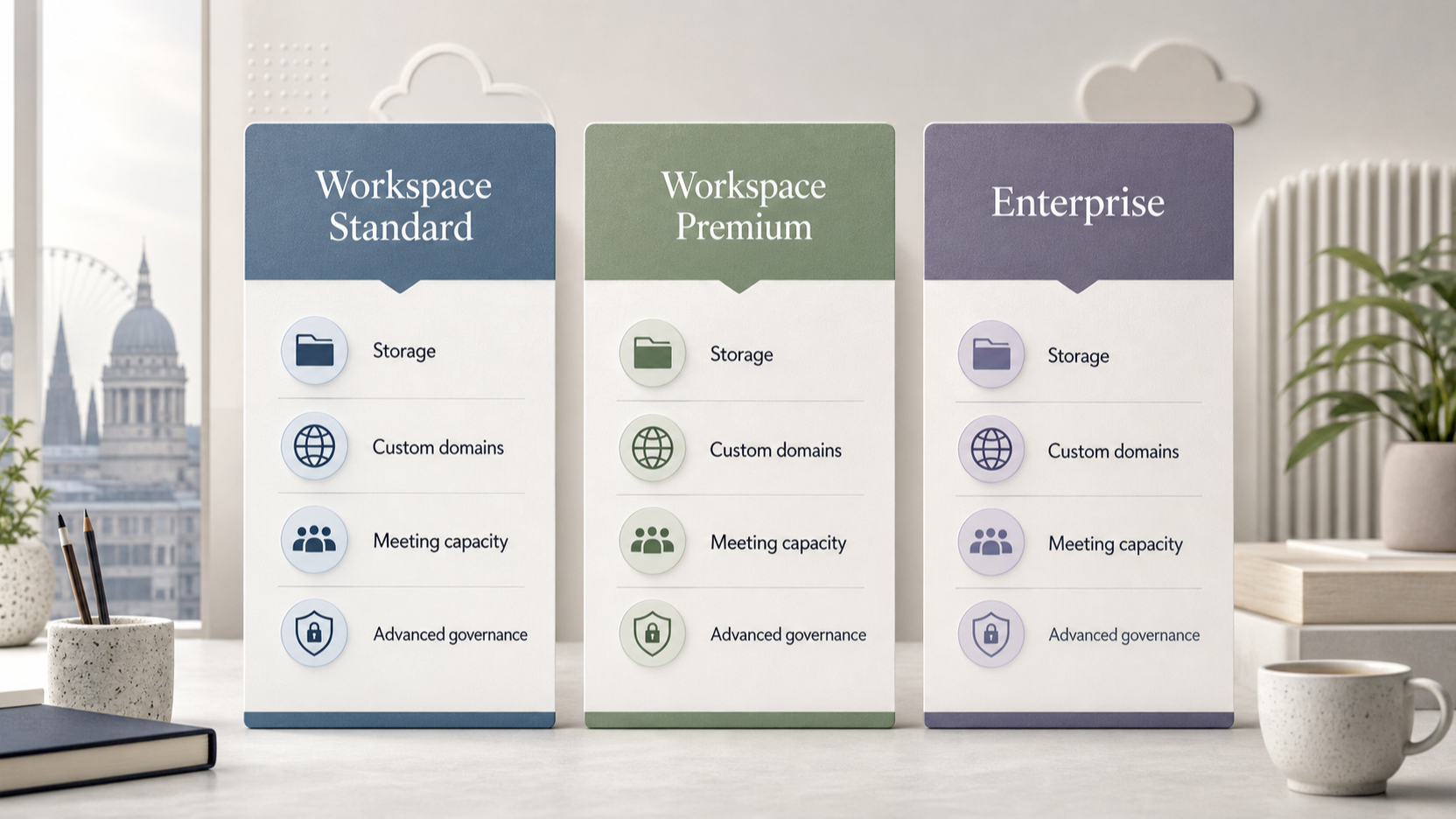 Workspace Standard is the starting point for a smaller team that needs the core suite with 1 TB of storage per user, support for 15 custom email domains and meetings for up to 100 participants. Proton also lists secure email and calendar, migration support, cloud storage and file sharing, document and spreadsheet editing, VPN protection and team password vaults in this plan.
Workspace Premium is the more suitable shortlist when a growing organisation needs greater capacity or additional controls. Proton lists 3 TB of storage per user, 20 custom email domains and meetings for up to 250 participants, alongside Private AI Chat, an email writing assistant and data retention policies.
Enterprise is presented as a tailored arrangement with a dedicated account manager, all Proton services and a customisable solution. It is therefore a conversation for businesses with requirements that do not fit the published Standard or Premium limits, rather than a default choice for every larger team.
Use the published trial to test the workflows that determine success: domain setup, mail and calendar movement, file collaboration, meetings and administrator controls. Match the plan to storage, domains, meeting size and governance needs first; only then compare the commercial terms shown for your chosen billing period.
Frequently Asked Questions
What business tools are included with Proton Workspace?
Proton lists Mail and Calendar, Drive, Docs and Sheets, Meet, VPN, Pass and Lumo as the business-suite components. Available features can vary by plan, so check the plan comparison for the specific capability your team needs.
For a small operations team, the practical question is not simply whether each product exists, but whether its included capability matches the way work actually happens. Mail and Calendar cover business communication and scheduling; Drive, Docs and Sheets are the tools to assess for shared files and everyday document work; and Meet is the relevant product for internal or customer video calls. VPN and Pass may also matter where the same subscription is intended to support protected access to internal resources and shared company credentials. Lumo is presented by Proton as a privacy-first AI assistant, while the plan comparison identifies Private AI Chat as a Premium addition.
Before making a suite-wide decision, turn those product names into a short trial checklist. Ask a representative group to send and receive email from a business domain, share a file with the right colleagues, co-edit a typical document or spreadsheet, join a meeting, and confirm how they will handle passwords and remote access. Include the people who run finance, customer support, sales administration and external collaboration, because their requirements can differ from those of a small internal team. This is an operational validation step, not a claim that every workflow will work identically to a previous provider.
What is the difference between Workspace Standard and Workspace Premium?
Standard includes 1 TB of storage per user, 15 custom email domains and meetings for up to 100 participants. Premium includes 3 TB per user, 20 custom email domains and meetings for up to 250 participants, and adds Private AI Chat, an email writing assistant and data retention policies.
The published differences give a useful starting point for sizing, but they should be read as current plan details rather than a permanent procurement record. A UK business with several trading names, legacy domains or separate brands should count the domains it actively needs before selecting a tier. Likewise, storage should be assessed per user and against real working files rather than only the current mailbox size. A team that keeps large shared documents or media in its collaboration space may reach a different conclusion from a team whose main requirement is secure email.
Meeting capacity is most relevant when a business regularly hosts larger staff sessions, training or customer events. The added Premium features may also be important where the business specifically needs the listed AI-chat, writing-assistant or retention-policy capabilities. If those features are not part of the team’s normal process, Standard may still be the more appropriate plan to test first. In either case, recheck the live comparison immediately before purchase, renewal or a broad rollout, since plan inclusions and commercial terms can change.
Can a small business use its own email domain with Proton Workspace?
Yes. Proton lists support for custom email domains on both Workspace Standard and Workspace Premium. The published limits are 15 domains on Standard and 20 on Premium, so confirm that the plan covers all domains your business actively uses.
Domain count alone is not the whole implementation check. Build an inventory of the domains used for staff email, customer-facing addresses, older brands and any address that still receives important enquiries. Decide which ones must be connected on day one and which can remain outside the initial migration. This avoids treating an unused registered domain and an operationally essential inbox as the same requirement.
It is also sensible to identify the people responsible for DNS, email administration and customer communications before changing providers. They should agree the rollout order, the test accounts and the point at which new mail begins using the new service. Keep a simple record of aliases, shared addresses and any automated messages that depend on a particular mailbox. Proton’s published custom-domain support establishes that the capability is offered; the business still needs to test its own configuration and mail flow before relying on it for all customer contact.
What migration support does Proton describe for teams moving from Google Workspace?
Proton describes admin-led migration from Google Workspace using Easy Switch to move mail, calendars and contacts. It also refers to options for teams switching from other providers. Review the relevant migration documentation and test a representative group before treating it as a complete replacement plan.
A staged migration is usually easier to control than a single all-at-once switch. Start by identifying a small representative group and agreeing which mail, calendar and contact data must be available immediately. Record what has migrated and ask the group to check that the information they use in normal work is present and usable. This produces a practical acceptance record without assuming that every historic item or every third-party workflow has the same migration path.
For a fuller rollout, prepare a communication plan for staff and a clear support route for the first days after each group moves. Check the dependencies that sit around email and calendars, such as shared inbox processes, meeting invitations, contact lists and services that send notifications to company addresses. If the business depends on documents, spreadsheets, video meetings, passwords or VPN access as well, test those separately from the mail-and-calendar migration. Easy Switch is described for the stated data categories; it should not be treated as evidence that every connected workflow has already been validated.
Ready to assess fit?
Compare the current Workspace plans and use the trial to validate your team’s critical workflows before switching. A concise decision record can help: list the required domains, the expected number of users, the largest regular meeting, the storage needs of representative staff, and whether the listed Premium additions are required. Then document any workflow that needs a separate test or a fallback process. That keeps a privacy-first preference connected to the practical administration work required for a confident UK small-business rollout.
Sources
Related reading
- Best business productivity suites for UK small businesses: evidence-led choices by working style
- Zoho Workplace review for UK small businesses: value, trade-offs, and buying fit
- ONLYOFFICE Workspace review for UK small businesses: control, collaboration, and trade-offs
- Annual vs monthly productivity suite plans: when a longer commitment can make sense
Editorial information: About our editorial team · Read our editorial policy · Read our affiliate disclosure.