A secure productivity suite is not simply an email plan with document storage attached. For a small business, it becomes part of how people communicate, create records, share information, start and leave roles, and respond when something goes wrong. The right choice depends on the team’s actual working patterns, the sensitivity of its data, and the amount of administration it can sustain.
Use this checklist to compare operational fit before committing to a purchase or migration.
What a Secure Productivity Suite Should Cover
Start with the work that has to happen every week, not a list of brand names. A useful suite normally brings together business email, calendars, files, documents, controlled sharing, meetings, and user administration. Some businesses also need password management or secure network access because staff work remotely or handle systems outside the office.
The key question is whether those capabilities work as one manageable service for your team. Proton’s business offering, for example, groups tools for email, files, passwords, network access and video conferencing; its Workspace option combines the broader privacy-focused set in one subscription. [Evidence: ev_b5bece01bffed025]
Map each requirement to a real workflow. A trades business may prioritise mobile email, shared schedules and simple file access. A consultancy may need simultaneous document editing, client-facing sharing rules and meeting tools. A team handling credentials or confidential records may place more weight on access controls, encryption and recovery processes.
Avoid treating a long feature list as proof of fit. Identify who will own accounts, what information must remain controlled, and where staff currently lose time. That creates a practical baseline for comparing suites and specialist tools.
Collaboration and Document Workflows
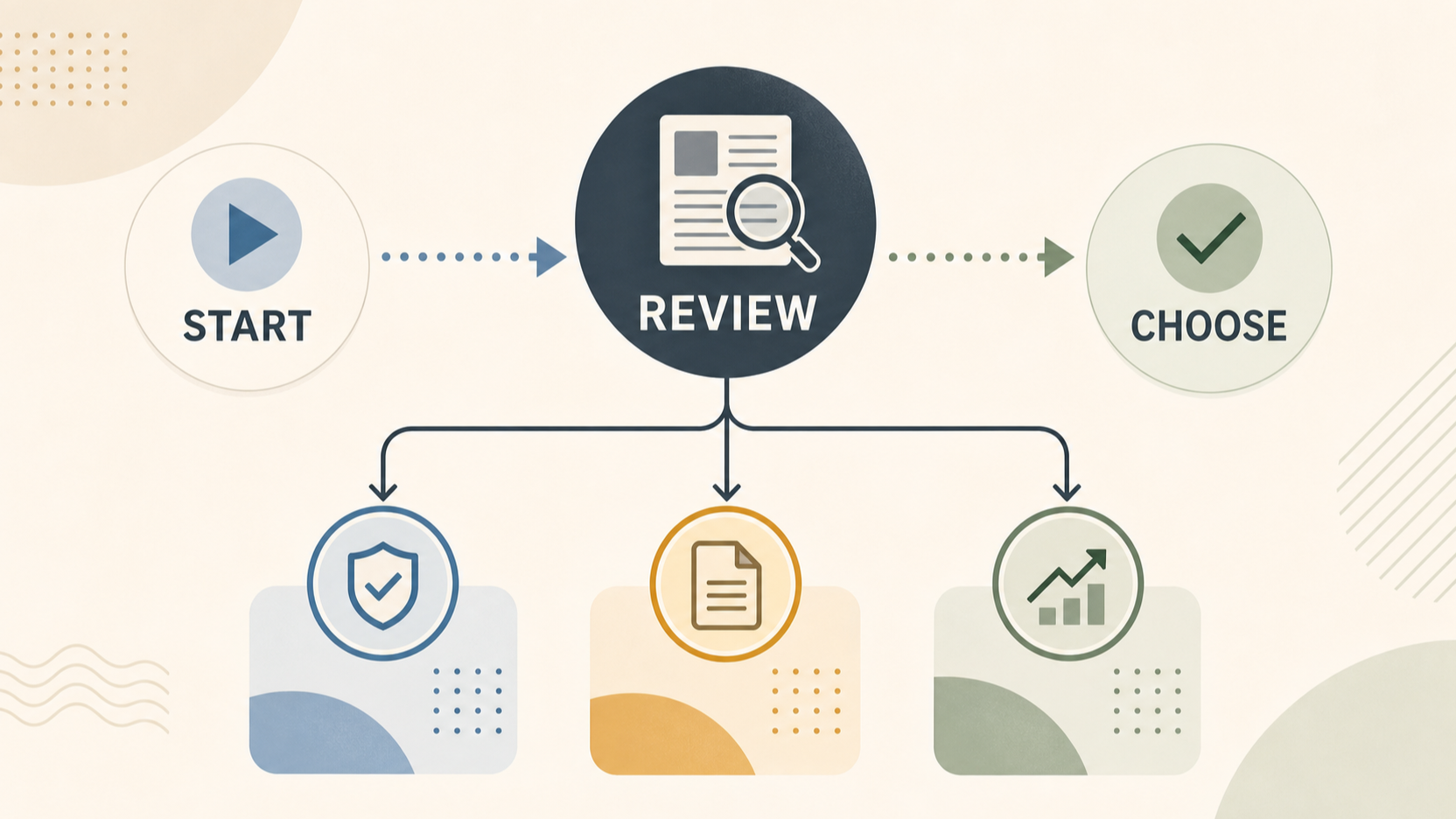
AI-generated generic editorial illustration — not a retailer product photo and does not depict the reviewed product or service. Provide a neutral visual comparison that supports the reader's decision without depicting a real product.
 Document work is often where a suite succeeds or fails in daily use. Establish whether people merely send finished files, or need to co-author proposals, review contracts, leave comments, manage revisions and restore earlier versions. Those are different requirements and can lead to different choices.
ONLYOFFICE Docs states that it supports text documents, spreadsheets, presentations, PDFs and fillable forms in one online editor. It also lists real-time co-editing, comments, tracked changes, document comparison and combination, in-editor chat and calls, plus viewing and restoring previous document versions. [Evidence: ev_1f8ae882d0d21afc]
For a small team, turn these capabilities into trial scenarios. Ask two colleagues to edit the same proposal at once; ask a reviewer to comment and accept or reject changes; then restore a previous version. Test a spreadsheet with formulas and a document that originated in the format your customers or advisers use. The important result is not whether a feature appears in a menu, but whether the team can complete its normal process without workarounds.
Also decide how external sharing should work. Set expectations for who may invite guests, whether downloads are appropriate, how long links remain active and how ownership transfers when a project lead leaves.
Administration and Everyday Operations
A productivity suite needs an owner, even in a five-person business. Before selecting one, define who creates accounts, removes access, manages shared mailboxes or folders, responds to a locked-out user and keeps basic settings documented. A tool that is powerful but difficult to administer can create unnecessary dependency on one technically confident person.
Look for a clear lifecycle: create an account, assign only the access needed for the role, transfer ownership of shared work when responsibilities change, and remove access promptly when someone leaves. Keep a small register of shared resources such as finance folders, customer inboxes and team calendars, including an accountable owner for each.
Proton describes business tools that cover email, files, passwords, network access and meetings, which is a reminder to assess administration across the whole service rather than only the inbox. [Evidence: ev_b5bece01bffed025]
During evaluation, ask an administrator to perform routine tasks without vendor assistance: add a test user, change a permission, recover access, hand over a file and remove the user again. Record the effort, not just whether each action is technically possible.
Security and Privacy Controls
Security is a combination of technology, permissions and operating habits. Start by classifying the information your business handles: ordinary internal material, customer data, financial records, credentials, confidential commercial documents or regulated information. The more sensitive the information, the more important it is to validate how access, sharing and account recovery are managed.
ONLYOFFICE Docs describes three encryption levels—at rest, in transit and end-to-end—alongside secure access and monitoring tools, additional document permissions and open-source code availability. [Evidence: ev_1f8ae882d0d21afc] Proton says its business products use end-to-end encryption and a zero-access architecture, and offers business products for Mail, Drive, VPN, Pass, Meet and Lumo. [Evidence: ev_b5bece01bffed025]
Treat vendor descriptions as starting points for due diligence, not a substitute for your own configuration review. Confirm what encryption and privacy properties apply to the specific product, plan and workflow you intend to use. Check how administrators control permissions, how external sharing is restricted, how account recovery works, and what logs or alerts are available to investigate an access issue.
Use multi-factor authentication where available, apply least-privilege access, and keep sensitive credentials out of ordinary documents and chat threads. Security should remain manageable: a control that staff cannot understand or follow reliably may add risk rather than reduce it.
Limits, Compatibility, and Adoption Risks
Every suite involves compromises. A broad platform may reduce the number of subscriptions to manage, while a specialised tool may better support a particular workflow. The costs of switching can include file conversion, retraining, integration changes, revised sharing practices and temporary duplicate systems.
Compatibility needs careful testing. ONLYOFFICE Docs says it can import and export PDF, supports editing PDFs, and can convert documents to Markdown and HTML. [Evidence: ev_1f8ae882d0d21afc] That does not by itself prove that every complex file your business uses will retain its exact formatting, formulas, macros or connected workflows. Test your own representative files instead.
Build a small risk list before rollout. Include spreadsheets with critical formulas, customer-facing templates, signed or fillable forms, shared folders with external parties, email forwarding rules and any software that depends on existing identity or storage services. Decide which functions must work on mobile devices and with limited connectivity.
Plan for adoption as a change process. Give staff a short guide for the few actions they must do correctly, name a support contact, and retain a reversible path during the initial migration. Do not retire the previous service until data, access and critical workflows have been checked.
How to Shortlist and Evaluate a Suite
Use a staged evaluation rather than choosing from a feature comparison table alone. First, list the roles that will use the system and the workflows they perform: customer email, shared documents, scheduling, remote access, finance administration and external collaboration. Then mark which requirements are essential, useful or unnecessary.
Next, run a limited trial using non-sensitive test data. Create accounts for an administrator and several typical users. Test simultaneous editing, comments and version restoration if documents are central to the business. ONLYOFFICE Docs specifically describes these collaboration features, providing a useful set of functions to test in a document-focused trial. [Evidence: ev_1f8ae882d0d21afc]
For a privacy-focused all-in-one option, verify the exact services you need rather than assuming every tool is included in every arrangement. Proton presents business offerings for email, files, passwords, network protection and video calls, with Proton Workspace bringing together its full collaboration suite. [Evidence: ev_b5bece01bffed025]
Score the trial against clear criteria: task completion, administrator effort, file compatibility, sharing controls, support responsiveness, pricing at your expected headcount and an exit or migration path. Assign one person to approve the result and another to challenge the assumptions. Keep notes from the test so the final decision is traceable.
A sensible rollout plan also names a data owner, a user-support contact, a migration window and a fallback procedure. This makes the decision operationally ready, not just commercially attractive.
Frequently Asked Questions
Do small businesses need an all-in-one productivity suite?
Not always. An all-in-one suite can simplify account management when the business needs email, documents, storage, meetings and access controls that work together. A smaller mix of specialised services may fit better when the team has a narrow workflow or a tool it cannot replace. Choose based on the effort of operating the combination safely and consistently.
What security features should a business productivity suite include?
Assess account protection, permissions, controlled sharing, encryption claims that apply to your chosen plan, recovery processes and visibility for administrators. Proton describes end-to-end encryption and zero-access architecture for its business products, while ONLYOFFICE Docs describes encryption at rest, in transit and end-to-end, plus access and monitoring tools. [Evidence: ev_b5bece01bffed025; ev_1f8ae882d0d21afc] Confirm the details for your intended deployment.
How should a team test document compatibility before switching suites?
Use a representative sample: proposals, spreadsheets with important formulas, templates, PDFs and forms. Test opening, editing, sharing, reviewing, exporting and restoring an earlier version. Include both internal staff and an external recipient if that reflects normal work. Record formatting changes and broken processes before moving production files.
What support should a small business expect from its productivity software provider?
Expect clear setup and account-recovery guidance, documented administration controls and a support route suitable for the business’s reliance on the service. Proton states that its business offering provides always-on support. [Evidence: ev_b5bece01bffed025] During a trial, test the actual support path and response quality for the plan you are considering.
Sources
Related reading
- Best business productivity suites for UK small businesses: evidence-led choices by working style
- Zoho Workplace review for UK small businesses: value, trade-offs, and buying fit
- How to choose a business productivity suite for a UK small business
- How to compare productivity suite pricing without overlooking renewals, storage, and add-ons
Editorial information: About our editorial team · Read our editorial policy · Read our affiliate disclosure.